

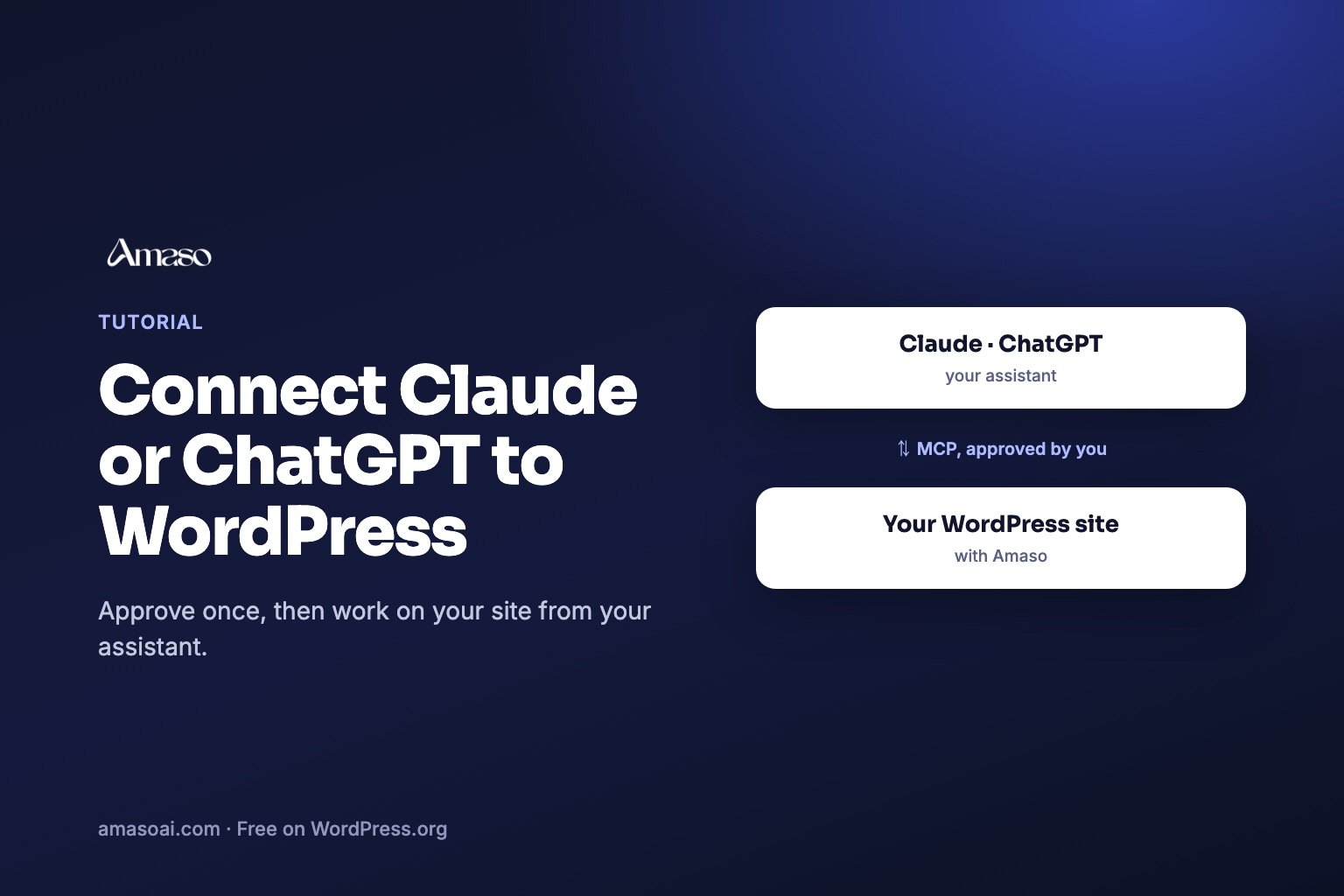
In short: to connect Claude or ChatGPT to WordPress, use Amaso AI Starter or above. Turn on the MCP connection in Amaso AI, under Settings > AI Engines, copy the Connection URL, and add it as a custom connector in Claude.ai or ChatGPT. You approve the connection once on your own WordPress site. From then on you can ask your assistant, in plain language, to read your Amaso AI data and, on Pro and Agency, to make specific changes you confirm, each of which can be undone.
What is MCP?
MCP, the Model Context Protocol, is an open standard that lets AI applications connect to outside tools and data. Anthropic introduced it in November 2024, and assistants such as Claude and ChatGPT support it. For a website owner it means you can work on your site from the assistant you already use, instead of copying numbers between screens.
What can a connected assistant do with Amaso AI?
- Read and audit (Starter and above): your scores, tracked searches, citation results, technical health, broken links, pages nothing links to, topic clusters.
- Make changes you approve (Pro and above): search titles and descriptions, internal links, redirects, structured data, draft articles. Each change is logged and can be undone from the Assistant screen in Amaso AI.
- Use your Search Console data (Pro and above): the growth plan, page performance and Google indexing of each page.
The list of actions is fixed. The assistant cannot install plugins, manage users, edit code or change WordPress settings.
What do I need before starting?
- A WordPress site running Amaso AI with a Starter, Pro or Agency license (the free Amaso AI Free on WordPress.org has no MCP connection). See the plans, from $35.99 a year.
- An administrator account on the site.
- A Claude.ai or ChatGPT plan that allows custom connectors. Menu names change from time to time, and not every plan offers custom connectors.
How do I connect it, step by step?
- Turn on MCP in Amaso AI, under Settings > AI Engines. It is off by default; while it is off, the site answers every connection attempt with “not found”.
- Copy the Connection URL shown on the same card.
- Add a custom connector in your assistant. In Claude.ai, open Settings, then Connectors, and add a custom connector. In ChatGPT, open Settings, then the connectors section, turn on developer mode in the advanced settings, and create a connector. Paste the URL and give it a name.
- Connect. You are sent back to your WordPress site: sign in as an administrator if asked, then approve on the Amaso AI consent screen. No password is copied into the assistant.
- Try it. In a new chat, switch the connector on and ask, for example: “Use Amaso AI to find which pages on my site nothing links to.”
For clients that need a configuration file, such as Claude Desktop, the same card can create an Application Password and show the configuration to paste.
Which questions work well once it is connected?
- “Which of my tracked searches cite a competitor and not me, and what do their pages have that mine lack?”
- “What should I fix first on my site this week?”
- “Which pages have no search description? Propose one for each.” (Pro and Agency can then apply them after you confirm.)
- “Which websites do the assistants consult for my searches?”
To understand the numbers the assistant reads, see What is a citation rate? and How to check whether ChatGPT cites your WordPress site.
How do I keep it safe?
- Set the actions that change your site to “Needs approval” in your connector, so the assistant asks before each one.
- Review the log on the Assistant screen in Amaso AI. Every change can be undone there.
- Remove the connection at any time from “Connected apps” on the MCP card, or turn MCP off.
Does it cost anything extra?
The connection is included in Amaso AI Starter and above. Your assistant subscription (Claude.ai or ChatGPT) is separate, and so is any AI provider usage you configure for citation checks.
Frequently asked questions
Is the connection open to anyone who finds the URL?
No. Every request must be authorised by an administrator of your site, either through the consent screen or an Application Password, and the connection is off until you turn it on.
Can I use another MCP client than Claude or ChatGPT?
Yes, if it supports remote MCP servers. Clients that cannot open the consent screen can use an Application Password instead.
Does the assistant see my AI provider keys?
No. The tools return your site’s data and results, not your stored keys.
Can someone set this up for me?
Yes. Our team and our partner agency Vatam can set it up and do the work for you. See AI visibility, done for you.
Read more: What Is AI Visibility (GEO)?


0 Comments